If someone stole your iPhone right now…
could you get it back?
Or is it gone forever?
The reality is, most people don’t think about iPhone security until it’s too late. Your phone isn’t just a device — it holds your identity, your finances, your location, and your personal life.
At Mindful Defense, we focus on practical, real-world protection. And sometimes, the simplest tools are already in your pocket.
Here are 3 things you can do in less than 30 seconds to protect your iPhone, and potentially your safety.
1. Turn On “Find My iPhone” (Your Digital Lifeline)
This is the most important feature Apple gives you — and many people either don’t enable it or don’t fully understand it.
What it does:
- Lets you track your phone if it’s lost or stolen
- Allows you to lock or erase it remotely
- Prevents someone else from using or resetting your device
How to enable it:
- Go to Settings
- Tap your name at the top
- Tap Find My
- Tap Find My iPhone
- Toggle it ON
Also make sure you enable:
👉 Send Last Location
This sends Apple your phone’s last known location before the battery dies — which can be critical if your phone is stolen.
Why this matters:
Without this turned on, your chances of recovering your phone drop dramatically.
2. Enable “Stolen Device Protection” (Stops Thieves Cold)
This is one of Apple’s most powerful — and underused — security features.
What it does:
- Prevents thieves from changing your Apple ID
- Blocks passcode changes in risky situations
- Requires Face ID or Touch ID for sensitive actions
- Adds a security delay before major changes can be made
How to enable it:
- Go to Settings
- Tap Face ID & Passcode
- Enter your passcode
- Turn on Stolen Device Protection
Why this matters:
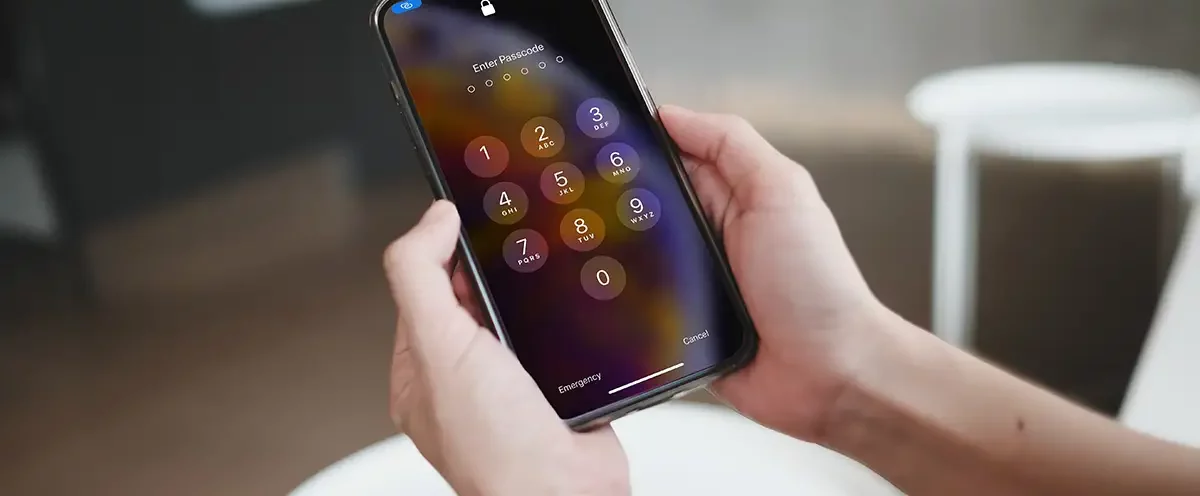
A common tactic is for thieves to watch you enter your passcode, then steal your phone and lock you out.
This feature stops that, even if they know your code.
3. Set Up Emergency SOS (For Real-World Danger)
This isn’t about your phone — it’s about you.
What it does:
- Calls emergency services instantly
- Shares your location with responders
- Can notify your emergency contacts
How to enable it:
- Go to Settings
- Tap Emergency SOS
- Turn on:
- Call with Hold
- or Call with 5 Presses
How it works:
- Hold the side button (or press it 5 times quickly)
- Your phone will call emergency services automatically
Why this matters:
In a high-stress or dangerous situation, you may not have time to unlock your phone and dial.
This gives you a fast, instinctive way to get help.
Final Thoughts: Simple Steps, Real Protection
These three settings take less than a minute to turn on — but they dramatically increase your security.
- Find My iPhone helps you recover your device
- Stolen Device Protection stops digital takeovers
- Emergency SOS can protect your life in critical moments
At Mindful Defense, we believe self-defense isn’t just physical — it’s digital, situational, and proactive.
The goal isn’t fear.
It’s preparedness.
Take Action
Take 30 seconds right now and turn these on.
Then share this with someone who hasn’t done it yet, because the best protection is the kind you set up before something happens.